
On Friday afternoon, a project engineer exports the submittal log, checks dates in email, and rebuilds a look-ahead spreadsheet. The next week a different person does the same work and gets a different list. The problem is not simply manual effort. The team has not agreed which record controls the status, which dates count, or who resolves conflicting information.
Construction workflow automation works best when those questions are settled first. Standardization means agreeing on the inputs, rules, handoff, and reviewer. It does not mean forcing every project to use the same due dates or approval path. Keep the common structure stable and record project-specific rules separately.
Define the weekly submittal report before automating it
Choose a task with a recurring trigger and an output someone already needs. A weekly look-ahead is a good example because the source is familiar and a reviewer can compare the result with the original register. Start with one project and one report, not every project system at once.
- Source: Use the agreed project register, exported at a specified cutoff. Keep the export timestamp and preserve the original.
- Required fields: Capture the item ID, revision, owner, current status, due date, next action, and source reference. Define which date the report uses if there are separate submission and return dates.
- Status rules: Map project labels to agreed reporting groups without replacing the original status. For example, a returned item needing resubmission belongs in the action queue even though the last review round ended.
- Handoff: Generate a draft for a named reviewer. Agree who resolves exceptions and who releases the report to the project team.
If you use Autodesk Build, its submittal export documentation describes filtered reports and Excel export options. An export can supply the report input; the live register remains the project record. Use the same distinction with any project platform or shared spreadsheet.
Automate the rules and show the exceptions
A spreadsheet query, a scheduled report, or a small script can do the same basic job: read the export, check the required columns, and produce a draft. Choose the simplest tool your team can maintain. For a seven-day look-ahead, use the agreed report date and document whether the cutoff includes weekends and the seventh day.
| Input condition | What the report should do |
|---|---|
| Active item due before the report date | List it as overdue with its item ID, owner, and source reference. |
| Active item due from the report date through day seven | Include it in the look-ahead and sort by due date. |
| Missing owner or due date | Send it to the exception list. Do not invent a value or silently drop the row. |
| Conflicting revisions or an unfamiliar status | Show both the issue and the source rows for a reviewer. Do not mark the item closed. |
Keep input and output separate. The report should not change official status, send client emails, or release a package. If the export is stale or required columns disappear, stop the run and flag the problem instead of publishing an empty report that looks like good news.
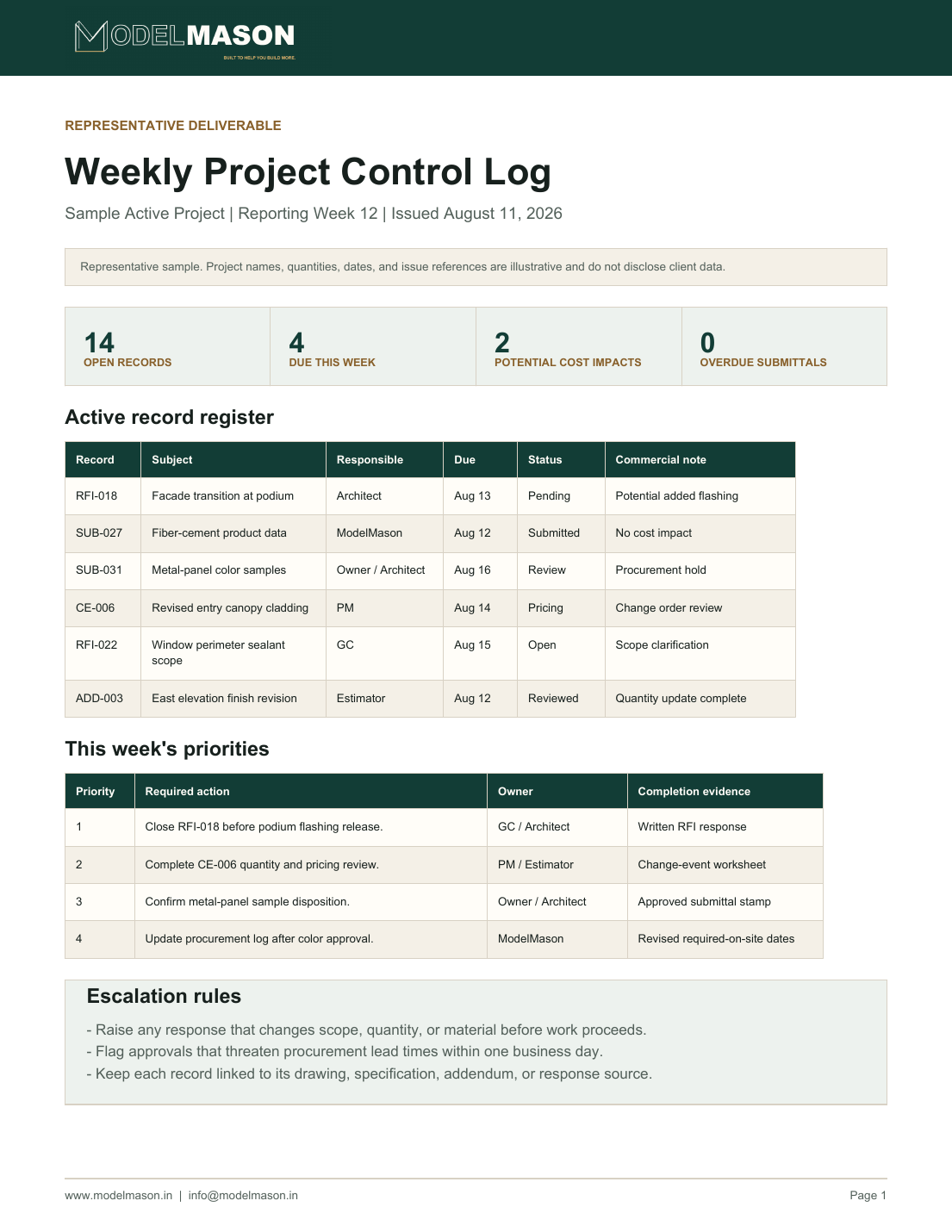
Run the pilot alongside your current process
Compare the automated draft with the manual report for two reporting cycles. Check the total items, the overdue and upcoming lists, and every exception. Include test rows for duplicate IDs, revised dates, an unknown status, and a resubmittal. Record how long preparation and review take together. Saving preparation time is not a win if someone spends longer correcting the output.
Write a short handover with the export location, cutoff, reporting rules, reviewer, and a fallback to the manual process. If the team cannot run it when the person who built it is away, it is not ready to own the weekly deadline. Once the report is reliable, reuse the structure for a bid addenda log or a BIM coordination report, with separate rules for each workflow.
For help keeping a recurring queue current, see subcontractor office support or discuss a defined workflow with ModelMason.